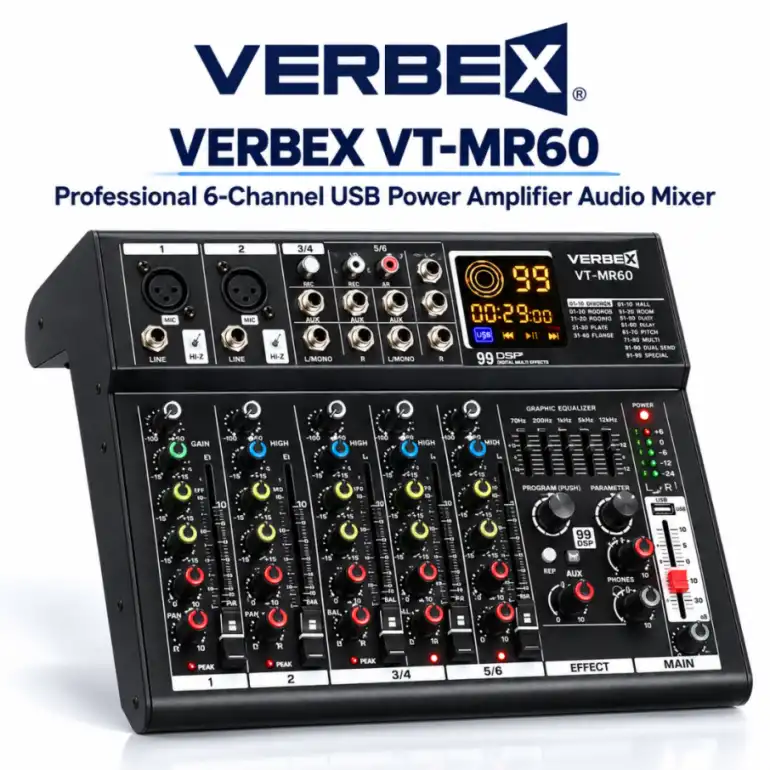
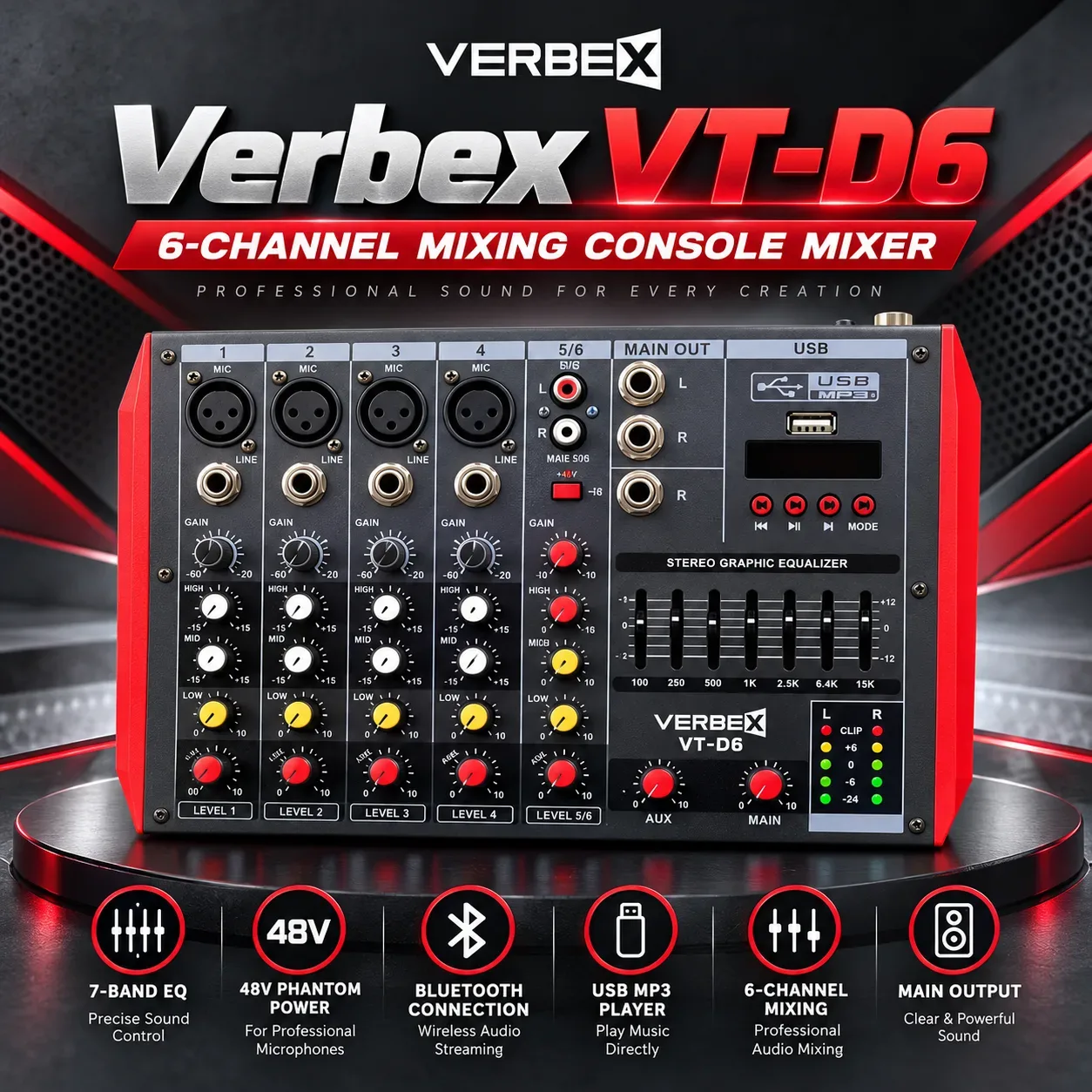
Verbex Mixer: Professional Audio Mixing Solutions for Live Sound, Conferences, Events, and Public Address Systems
Professional audio systems frequently require more than one sound source. A conference may use several microphones, a school program may combine speech and music, and a live performance may involve vocal microphones, instruments, and playback devices.
Managing these sources effectively requires suitable audio equipment. An audio mixer provides a central point for receiving, adjusting, combining, and routing audio signals.
Verbex Mixer is a professional audio equipment category for customers exploring sound mixing consoles for live events, educational institutions, corporate presentations, public address systems, and other audio applications.
Audio mixers differ in channel capacity, input types, control functions, processing capabilities, and output arrangements. Choosing the appropriate model requires understanding the intended application and checking verified product specifications.
What Is an Audio Mixer?
An audio mixer is an electronic device that receives audio signals from multiple sources and allows them to be controlled individually or together.
Typical sources may include microphones, musical instruments, media players, and compatible audio devices.
The mixer can combine selected signals into one or more outputs.
Depending on its design, it may provide level controls, equalization, routing, monitoring, and additional signal processing.
A mixer is not necessarily a power amplifier.
Most conventional unpowered mixers require compatible downstream amplification or active loudspeakers.
How Does an Audio Mixer Work?
An audio signal enters the mixer through a compatible input.
A microphone signal may pass through a microphone preamplifier to reach an appropriate operating level.
The signal can then pass through available processing and level controls.
The mixer combines or routes signals according to the user's settings.
The resulting output can be connected to suitable powered speakers, amplifiers, recording equipment, or other audio devices.
The actual signal path depends on the mixer's architecture.
Why Use a Professional Audio Mixer?
A mixer provides centralized control over multiple audio sources.
Without suitable mixing equipment, controlling several microphones and playback devices may become difficult.
A mixer allows the operator to adjust individual channel levels and manage the combined output.
Depending on the model, additional functions may support tonal adjustment, monitoring, and separate audio feeds.
This makes mixers useful for presentations, performances, meetings, and installed audio systems.
Audio Mixers for Live Sound
Live sound applications often involve several microphones and instruments operating simultaneously.
A mixer allows the sound operator to balance these sources.
Vocals may require different levels and tonal adjustments from instruments.
Monitoring and auxiliary outputs may also be needed.
The required mixer size depends on the number of independent sources and the complexity of the performance.
Not every compact mixer is suitable for a large concert.
Conference and Meeting Applications
Conferences and meetings frequently use multiple microphones.
An audio mixer can help balance speakers, moderators, and playback sources.
It may also provide audio feeds to recording or conferencing equipment when the necessary outputs are available.
Operators should ensure that microphone levels remain consistent.
A suitable mixer should match the number of required simultaneous inputs.
For complex conferencing installations, additional conferencing or automatic microphone management equipment may be necessary.
Schools, Colleges, and Universities
Educational institutions use audio systems for assemblies, seminars, cultural programs, and presentations.
A mixer can combine microphones with background music or other program audio.
This can be useful for stage events involving several participants.
The system should be easy for trained staff to operate.
Input requirements, speaker connections, and equipment compatibility should be considered before purchasing.
Religious Institutions and Community Facilities
Religious institutions and community halls may require multiple microphones for speeches and announcements.
A mixer can provide separate level controls for different sources.
It may also help route audio to a compatible amplifier or sound reinforcement system.
The installation should prioritize speech intelligibility and feedback management.
Room acoustics and loudspeaker placement remain important.
Event Management and Stage Programs
Event organizers may need microphones for hosts, performers, guest speakers, and media playback.
An audio mixer provides a central control point for these sources.
Depending on the model, it may offer additional outputs for stage monitoring or recording.
Operators should prepare an input list before the event.
The mixer should provide enough channels and appropriate connections for all required sources.
Understanding Mixer Channels
A mixer channel is a signal path used to receive and control an audio source.
Some mixers provide mono channels, stereo channels, or a combination.
The advertised channel count may not equal the number of independent microphone inputs.
For example, a stereo input may represent two audio channels while using a shared set of controls.
Buyers should examine the actual input layout rather than relying on the headline channel count alone.
Microphone Preamplifiers
Microphones often produce relatively low-level electrical signals.
A microphone preamplifier raises the signal to a level suitable for further processing.
The preamplifier's gain range and noise performance can affect practical results.
Not every mixer input includes a microphone preamplifier.
Customers should verify the number and type of microphone inputs available.
Gain Control and Gain Staging
Gain staging involves setting appropriate signal levels throughout the audio system.
If the input gain is too low, the signal may be weak relative to background noise.
If the gain is too high, distortion may occur.
The operator should use available meters and manufacturer guidance to establish suitable levels.
Good gain staging helps preserve clarity and usable headroom.
Equalization and Tone Control
Equalization, commonly called EQ, allows adjustment of selected frequency ranges.
Depending on the mixer, controls may include high, mid, and low frequency bands.
More advanced mixers may offer additional EQ flexibility.
EQ can help address tonal differences between microphones and instruments.
However, excessive adjustment can reduce sound quality.
Equalization should support the source and room conditions rather than compensate for fundamentally unsuitable equipment.
Faders and Level Controls
Faders or rotary controls are used to adjust audio signal levels.
Channel controls determine the contribution of individual sources to the mix.
Master controls affect the combined output.
Some mixers use long-throw faders, while compact models may use rotary level knobs.
The control arrangement should suit the operator's workflow.
Auxiliary Sends and Monitor Mixes
Auxiliary sends allow audio signals to be routed to additional destinations.
They may be used for stage monitors, external effects processors, or other applications.
The number and behavior of auxiliary sends vary by model.
Some may operate before the channel fader, while others operate after it.
Customers should verify the routing capabilities required for their application.
Built-In Audio Effects
Some audio mixers include internal effects processors.
Depending on the product, these may provide reverb, delay, or other processing functions.
Effects can be useful for certain vocal and musical applications.
However, built-in effects are not essential for every PA installation.
Customers should not assume that every Verbex Mixer includes digital effects.
The available processing functions must be confirmed from the model specifications.
Phantom Power
Certain condenser microphones require an appropriate electrical power supply.
Many professional audio mixers provide phantom power through compatible microphone inputs.
However, not every mixer supports phantom power.
The voltage, switching arrangement, and supported connections may vary.
Users should verify microphone compatibility and follow manufacturer instructions before enabling phantom power.
USB and Digital Connectivity
Some mixers offer USB audio connectivity for recording or computer integration.
Others may provide playback-only USB functions or no USB support.
A USB port does not automatically mean the mixer is a multichannel recording interface.
The number of recording channels, supported formats, and computer compatibility should be verified.
Customers should choose connectivity according to their actual workflow.
Bluetooth and Media Playback
Some modern mixers may support Bluetooth audio or integrated media playback.
These features can be convenient for background music and certain presentation applications.
However, Bluetooth is not included in every mixer.
Wireless playback may introduce latency or connection limitations.
For critical audio applications, a suitable wired connection may be preferable.
Analog vs Digital Audio Mixers
Analog mixers generally use direct physical controls and analog signal paths.
Digital mixers use digital processing and may offer additional routing, presets, or remote-control features.
Neither design is universally better.
Analog mixers can be practical for straightforward applications.
Digital mixers may suit workflows requiring advanced processing and configuration.
The appropriate choice depends on the operator, application, and available budget.
Mixer vs Mixer Amplifier
A conventional audio mixer combines and controls audio signals but generally does not provide speaker-level power output.
A mixer amplifier combines mixing functions with power amplification for compatible loudspeaker systems.
This distinction is important when planning a PA installation.
Connecting passive speakers directly to an unpowered mixer's line outputs will not provide the required speaker amplification.
The full signal chain must be designed correctly.
Connecting a Mixer to Speakers
A mixer can be connected to powered speakers through compatible line-level inputs.
For passive speakers, a suitable power amplifier is normally required.
Connector type, signal level, cable quality, and output configuration must be considered.
Users should not connect speaker-level amplifier outputs to ordinary mixer line inputs.
Correct connections help protect equipment and support reliable sound.
Feedback Prevention
Acoustic feedback occurs when sound from a loudspeaker re-enters a microphone and is repeatedly amplified.
A mixer can help control gain and frequency balance, but it cannot eliminate poor microphone and speaker placement.
Microphones should be positioned appropriately.
Loudspeakers should be arranged to reduce unwanted sound pickup.
Proper gain staging and responsible EQ adjustment are important.
Audio Mixer Installation
Before installation, identify all microphones, playback devices, amplifiers, and speakers.
Prepare an input and output connection plan.
Check electrical power requirements and grounding.
Use suitable cables and connectors.
Keep audio cables organized and protected from physical damage.
For complex installations, consult a qualified audio professional.
Maintenance and Care
Mixers should be kept clean, dry, and protected from excessive heat.
Dust and liquid contamination can affect controls and connectors.
Avoid placing drinks near the equipment.
Inspect cables and connections periodically.
Follow the manufacturer's cleaning and storage instructions.
For portable use, a suitable protective case may be beneficial.
How to Choose the Right Verbex Mixer
Begin by counting the number of simultaneous audio sources.
Determine how many microphone preamps, mono inputs, stereo inputs, and outputs are needed.
Consider whether EQ, auxiliary sends, effects, USB audio, or other features are necessary.
Verify compatibility with existing microphones, amplifiers, powered speakers, and recording equipment.
Compare actual channel layouts and technical specifications.
Why Explore Verbex Mixers?
Verbex Mixer is a relevant category for customers seeking professional audio mixing equipment for conferences, educational institutions, events, live sound, and PA systems.
A correctly selected mixer can simplify control over multiple audio sources and support more consistent sound management.
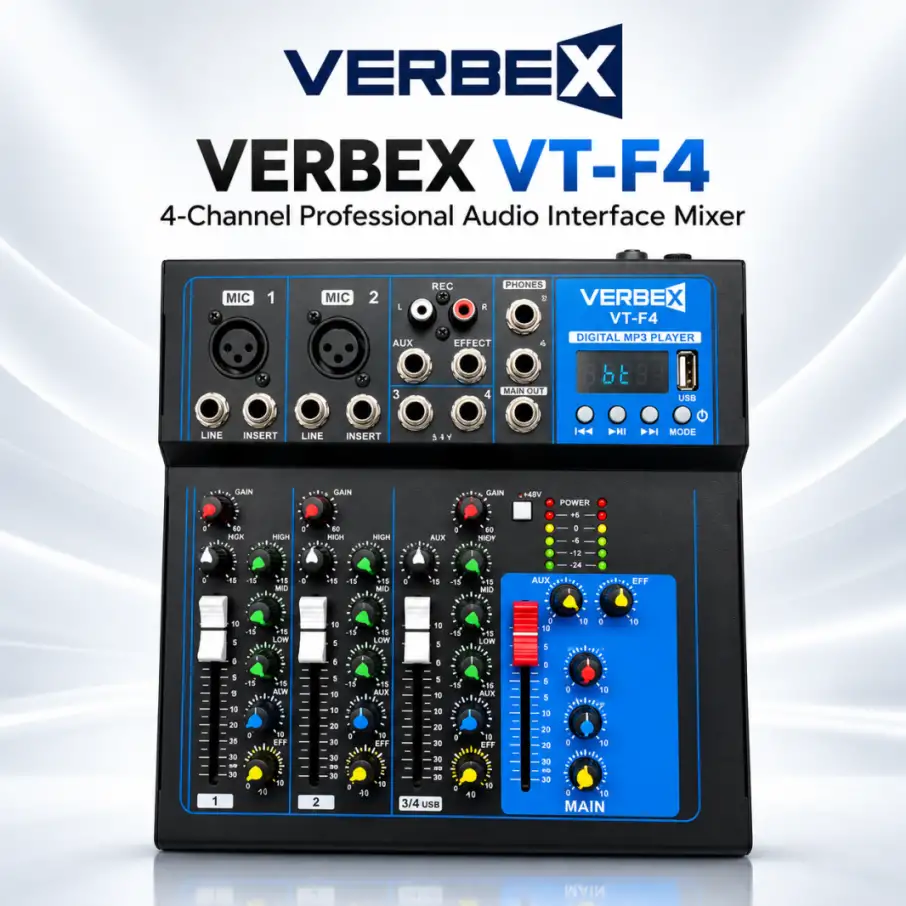
Explore available Verbex Mixer models, compare verified features, and select the appropriate mixing console for your audio application.

 Deal